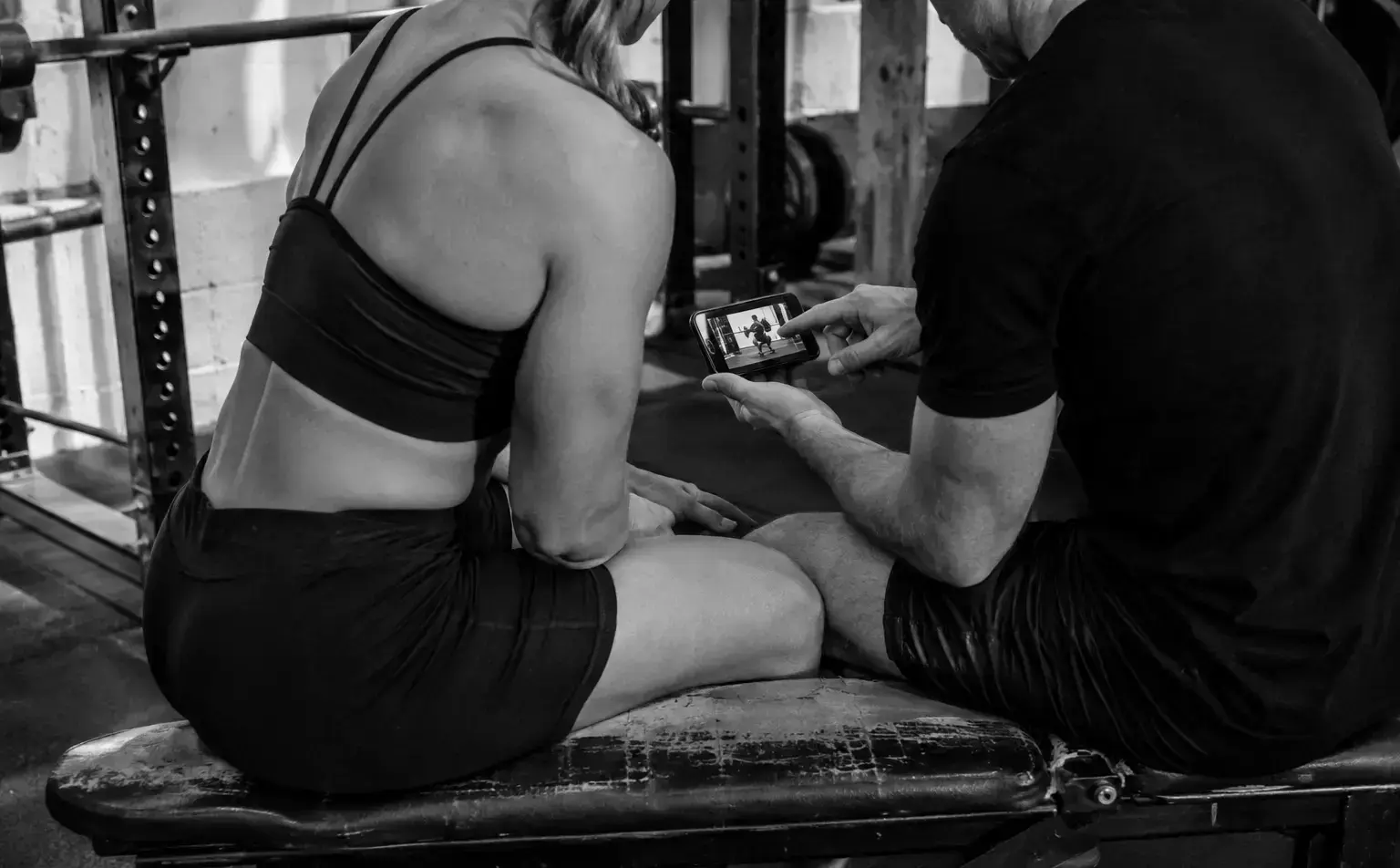
Show the whole rep
Place the camera far enough away to keep your body, the bar and the important points of contact in frame. Do not cut off the feet during a squat or deadlift. For bench, show the setup and the rack rather than starting the clip when the bar is already moving.
Keep the phone stable. A small tripod, bottle or plate stack is more useful than a training partner walking around you with the camera.
Use an angle that answers a question
A rear three-quarter view can show squat depth, bar position and how the hips and knees move. A side or three-quarter bench view can show touch point, bar path and position on the bench. Deadlifts often benefit from a side or front three-quarter view that shows the start position and bar travel.
Your coach may ask for another angle when investigating a specific issue. Follow that request instead of collecting every angle for every set.
Send context with the clip
Include the load, reps, planned effort and how the set felt. Mention pain, an equipment change or an unusual session only when it affected the lift.
A video shows movement. It does not show your sleep, the missed warm-up, the rushed setup or the fact that the load was meant to be easy. A short accurate note fills that gap.
- Exercise and variation
- Load and repetitions
- Planned and reported effort
- The specific thing you want reviewed
Do not perform for the camera
Film normal working sets, including the ones that feel awkward. Your coach needs representative training, not a highlight reel.
Keep the original speed unless the coach asks for slow motion. A slowed clip can help with one detail, but normal speed shows timing and effort more clearly.